Keep
what
you
find.
Magpie is a board on your Mac for the posts, videos and links you’d otherwise never see again. One click from X and LinkedIn.
 Ines Marlow@inesmarlow · 2 hours ago
Keep your first draft. It knows something the final one forgot.
 Fold a paper crane in four minutesPaper & Pine · youtube.com
Use the crane idea for the workshop
go on, pick one up










Your saves go in. They don’t come out.
 Priya Sen@priyadraws · yesterday
Draw the meeting before you have it. One box per person. It takes a minute.
 Sharpening a pencil with a knifeWorkshop Notes · youtube.com
 Tom Rileylinkedin.com · 3 days ago
Best advice I ever got: write the last slide first.
 Noor Aziz@noor_a · last week
A good question for any plan: what would make this easy?
One click, or just drop it.
On X or LinkedIn, press Send to board. Or drag a link, a picture or some words to the top of your screen and let go.
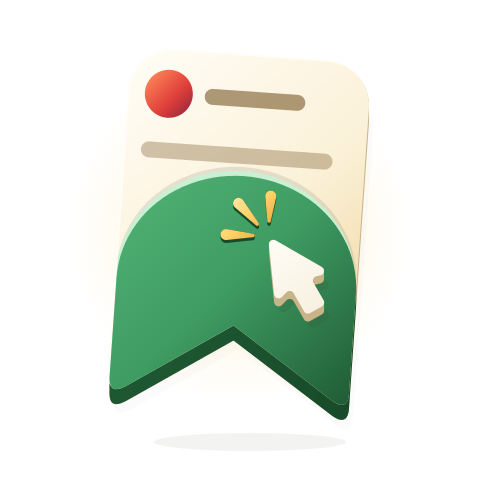
One click from X and LinkedIn. YouTube and other links by paste or drop.
Then it’s all side by side.
Boards, stickies, sections and checklists. Undo if you change your mind. Export when you need to.
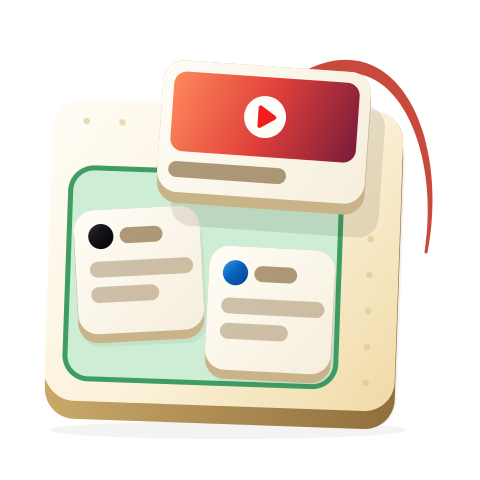
Boards, stickies, sections and checklists, side by side on your Mac.
One click and it’s saved.

Put it where it makes sense.
Group what belongs together.
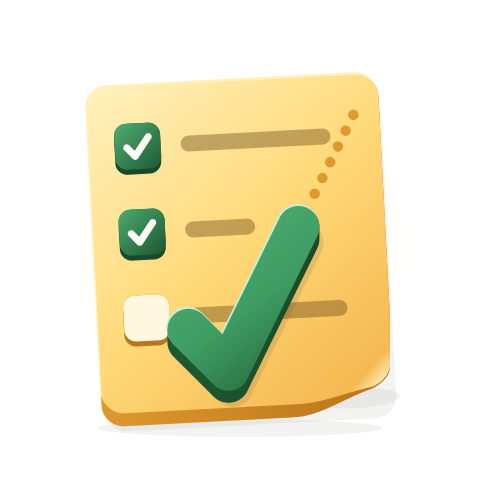
Turn it into a list. Tick it off.
-

No account. No cloud. It stays on your Mac.

It sounds nice, if you want it.
Good questions.
What is Magpie?
Magpie is a Mac app for the things you find online. Posts from X and LinkedIn, YouTube videos, links and pictures land on a board, where you arrange them beside your own stickies, sections and checklists.
How do I save a post from X or LinkedIn?
Press Send to board on the post. The Send to Magpie browser extension adds that button, and the post arrives on your board with its author, text and picture. You can also drag a link, a picture or some words to the top of your screen.
Can I save YouTube videos and other links?
Yes. Paste or drop any link and Magpie fetches its title and picture. YouTube videos play right on the board. From other apps, use the Mac’s Share menu and choose Magpie.
How is it different from X bookmarks or LinkedIn saved posts?
Bookmarks are one long list on each site, and most saves never get opened again. Magpie keeps what you save from every site in one place you arrange yourself, next to your own notes and lists.
Do I need an account? Where are my boards kept?
No account and no cloud. Magpie saves your boards in a folder on your Mac, nothing is sent to us, and Time Machine backs them up with everything else.
Which browsers does it work with?
Send to board works in Google Chrome and the browsers built on it: Arc, Dia, Brave, Microsoft Edge, Vivaldi and Opera. In Safari or any other app, use the Mac’s Share menu and choose Magpie.
What do I need to run it?
A Mac on macOS 26 or later. There’s no account to make.
Can I get my things out again?
Yes. Export a board or a section as an image or a PDF, or save a whole board as one file to back it up or move it to another Mac.
When can I get it?
Magpie isn’t out yet. Leave your email and we’ll write when it’s ready.
Who makes Magpie?
Gooder, a small design studio. Write to hello@gooder.design about anything.